Rich Link Previews in Communities
Rich Link Previews in Communities
This article explains how rich link previews enhance community engagement by automatically displaying visual previews of shared links including images, titles, and descriptions.
You'll understand how the feature works, what content displays in previews, and how to manage link previews in your community posts and comments.
What are Rich Link Previews?
Rich link previews are visual representations of shared URLs that automatically display when community members post links in posts or comments. Instead of showing plain text URLs, the system generates attractive preview cards containing the linked content's image, title, and description.
This feature works automatically for any URL shared in your community, transforming standard links into engaging visual elements that provide context before users click through. The preview displays metadata extracted from the destination website, giving community members a clear understanding of where the link leads.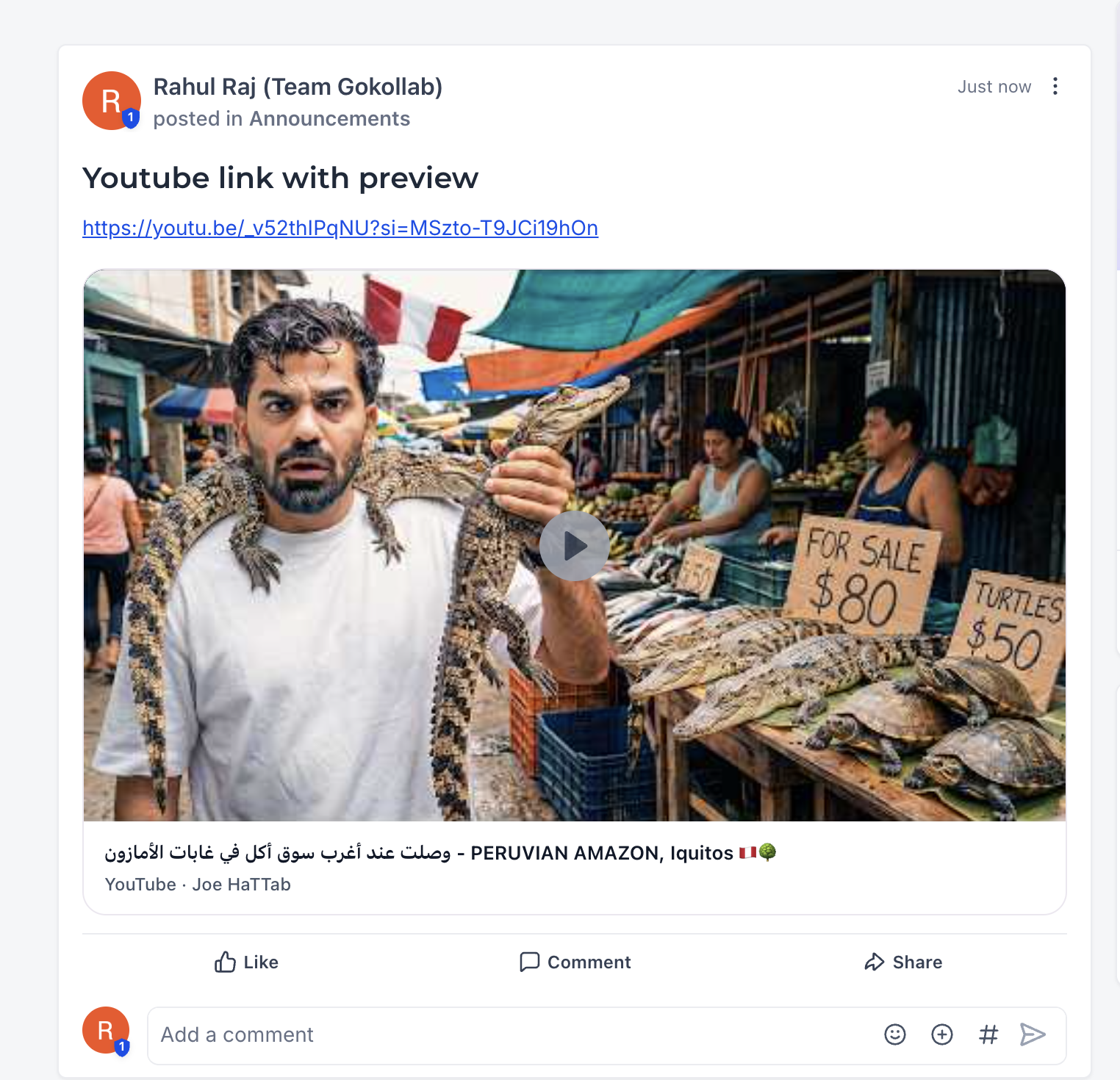
Key Benefits
Rich link previews enhance the community experience by making shared content more engaging and informative. The visual nature of link previews increases click-through rates and helps members quickly assess whether shared resources are relevant to their interests.
How Rich Link Previews Work
When a community member shares a URL in a post or comment, LeadConnector automatically processes the link to extract preview information. The system retrieves metadata from the destination website and displays it as a formatted preview card within the community feed.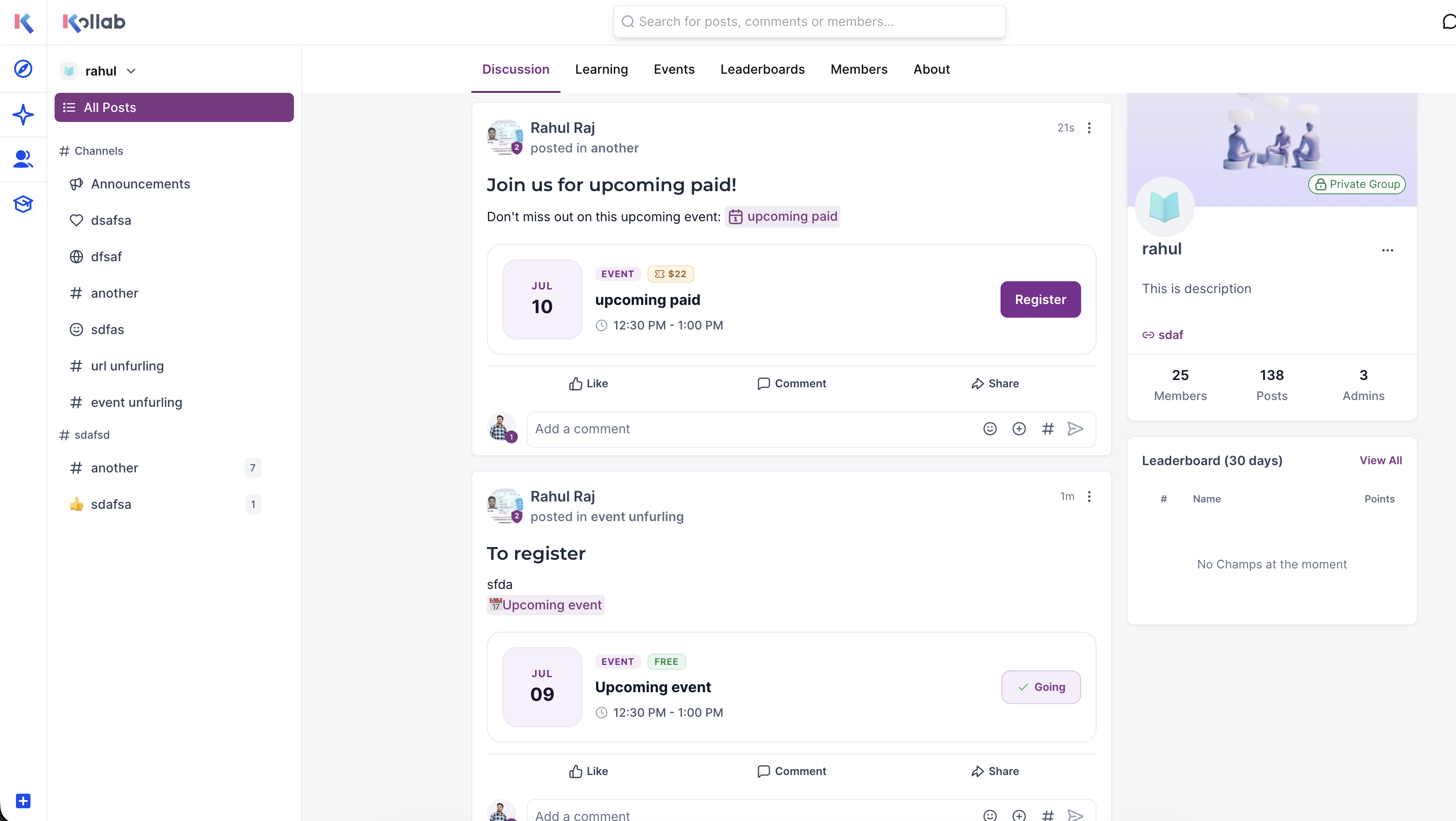
The preview displays the primary image from the shared webpage, providing a visual anchor for the content. This image appears prominently at the top of the preview card.
The page title or headline from the destination URL appears as bold text, giving members an immediate understanding of the content topic.
A brief summary or excerpt from the linked page provides additional context about what members will find when they click through to the full content.
The source website's domain name appears in the preview, helping members identify the content origin and assess trustworthiness.
The system automatically detects URLs when posted and generates previews in real-time. No additional actions are required from the person sharing the link or community administrators.
Frequently Asked Questions
If you have questions about rich link previews or encounter issues with preview generation, our support team is ready to assist.
- Access your community settings to review configuration options
- Test link previews with different URL types to understand behavior
- Contact support through the in-app help widget if previews aren't generating as expected